Local buying and selling, without the meetup
Finding what you want online is easy. Making the exchange should be, too. ExchangeBox gives buyers and sellers a secure, convenient way to complete the handoff—without meeting a stranger.
Meet the box, not the stranger.
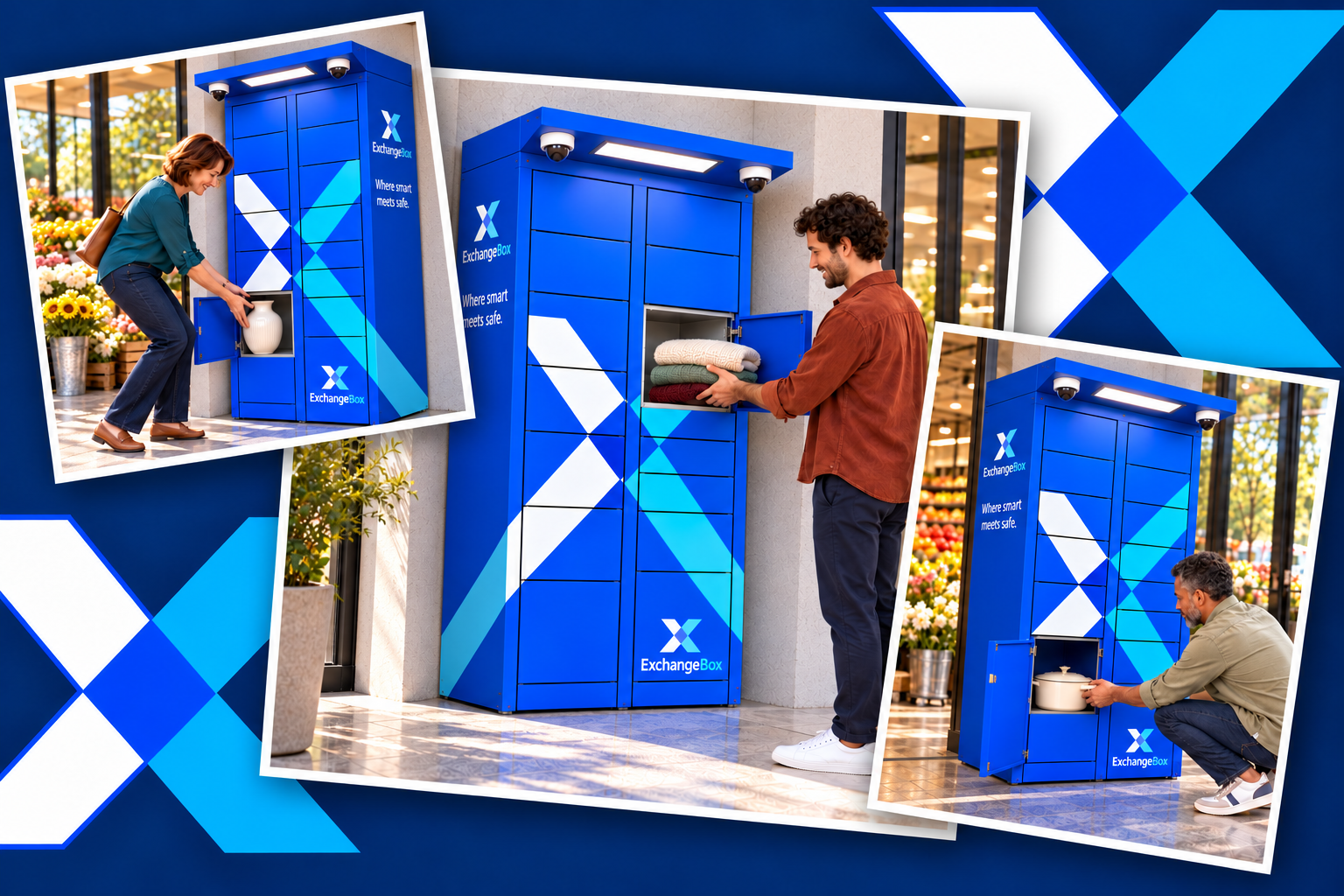
Meet the box, not the stranger.
Buy and sell locally with a secure, convenient way to exchange your items. With ExchangeBox, sellers drop off, buyers review photos before pickup, and each person visits on their own schedule—without meeting or sharing a home address.
Buy and Sell Locally. Skip the Meetup.
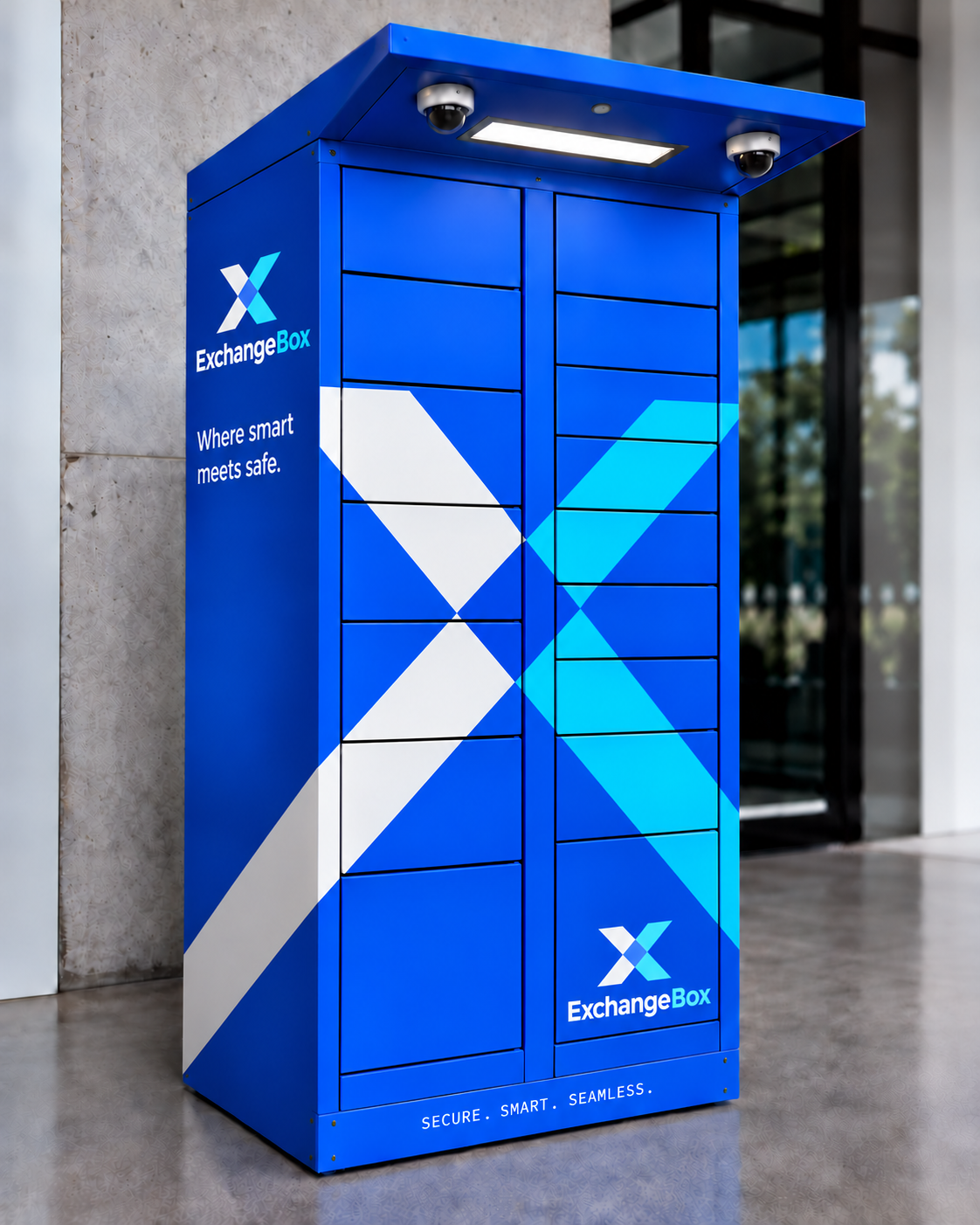
How It Works
Six simple steps. Zero meetups.
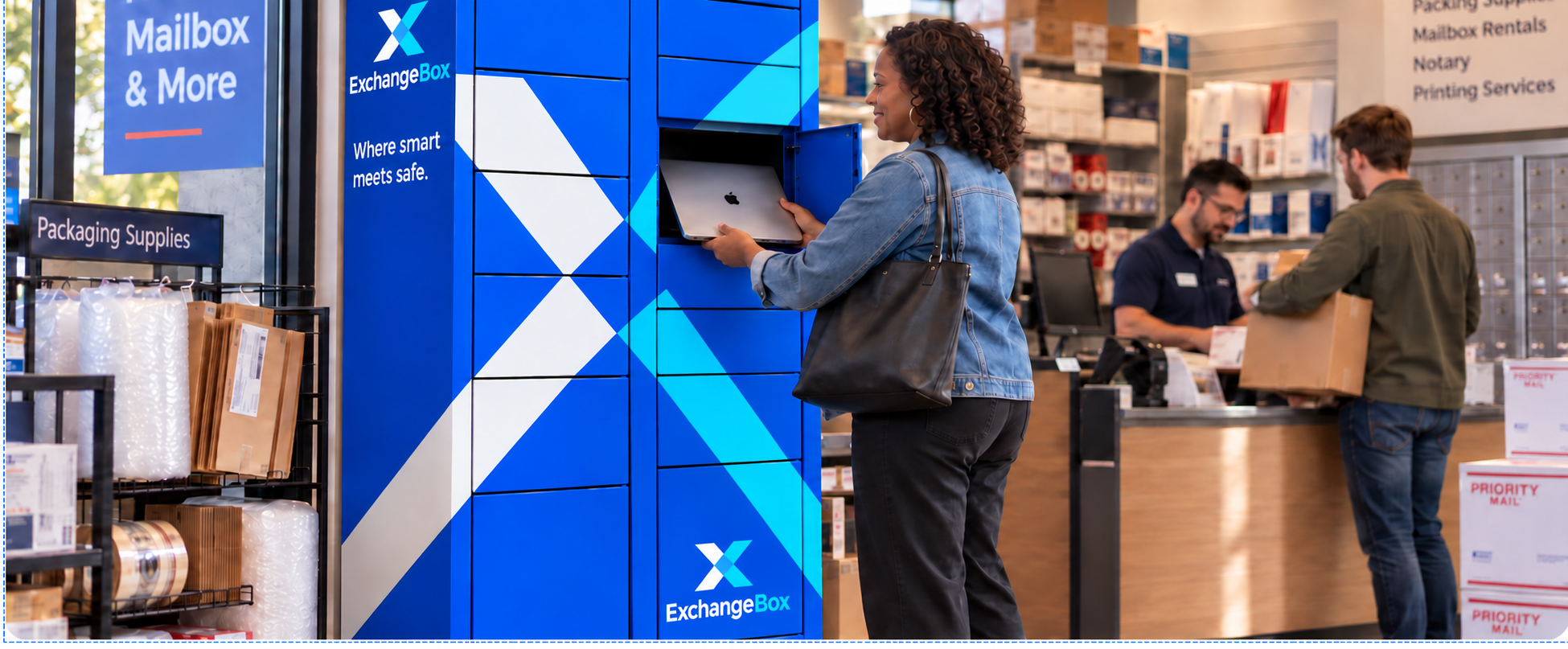
- Step 01
Agree on the sale
Buyer - find your item through your preferred marketplace and agree on a price with the seller.
- Step 02
Arrange the exchange
The seller creates an ExchangeBox invoice, selects a locker location, and sets the drop-off time and reservation period.
- Step 03
Pay securely
The buyer pays for the item and locker reservation. Payment is held until the exchange is completed.
- Step 04
Drop off the item
The seller uses a one-time access code to open the assigned locker, places the item inside, and closes the door. The internal camera captures photos of the deposited item.
- Step 05
Review before you go
The buyer receives photos of the item and a pickup code, allowing them to review what has been deposited before traveling to the locker.
- Step 06
Pick up and complete the exchange
The buyer collects the item and closes the locker door. Once the exchange is completed, the seller's payment is released automatically.
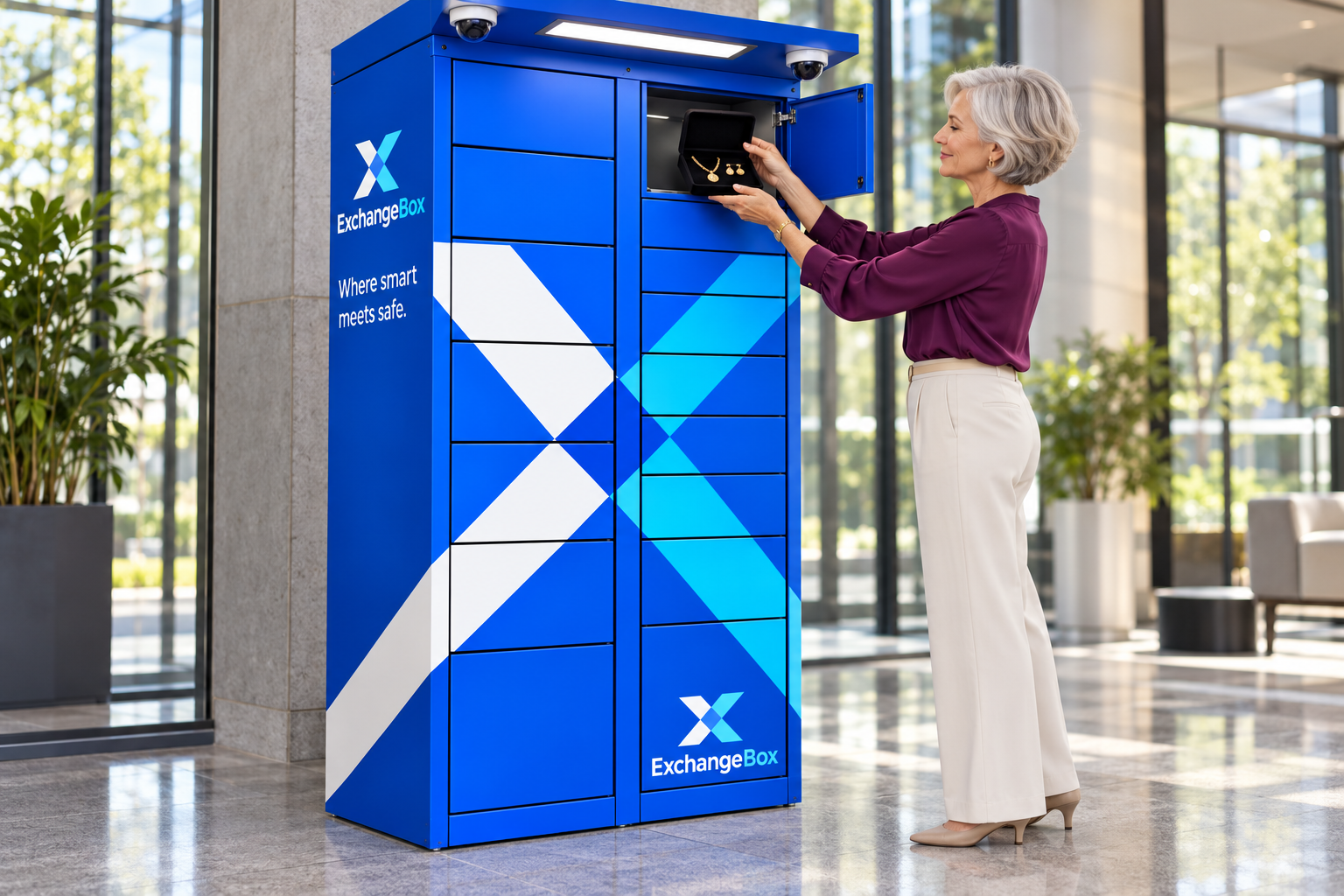
See what's waiting before you arrive
Each ExchangeBox compartment includes an internal camera that photographs the item after drop-off. Buyers can review those photos before pickup, adding visibility and confidence to the exchange.
Seller drops off the item
The seller places the unwrapped item inside the assigned secure locker, where the internal camera can clearly photograph it.
Camera photographs the item
The internal camera automatically captures clear photos of the item after the seller closes the locker door.
Buyer receives the photos
The buyer is automatically notified and receives photos of the deposited item to review before pickup.
Buyer reviews the item photos
The buyer reviews the photos to check that the deposited item appears as expected before heading to the locker.
Buyer picks up the item
The buyer uses their one-time access code to open the locker and collect the item within the reserved pickup window.
Be first to know when ExchangeBox arrives near you
Join our waitlist for launch updates and new locker locations.
Loading waitlist form...
Bring ExchangeBox to Your Location
Give your customers another reason to visit with a convenient way to complete local exchanges.
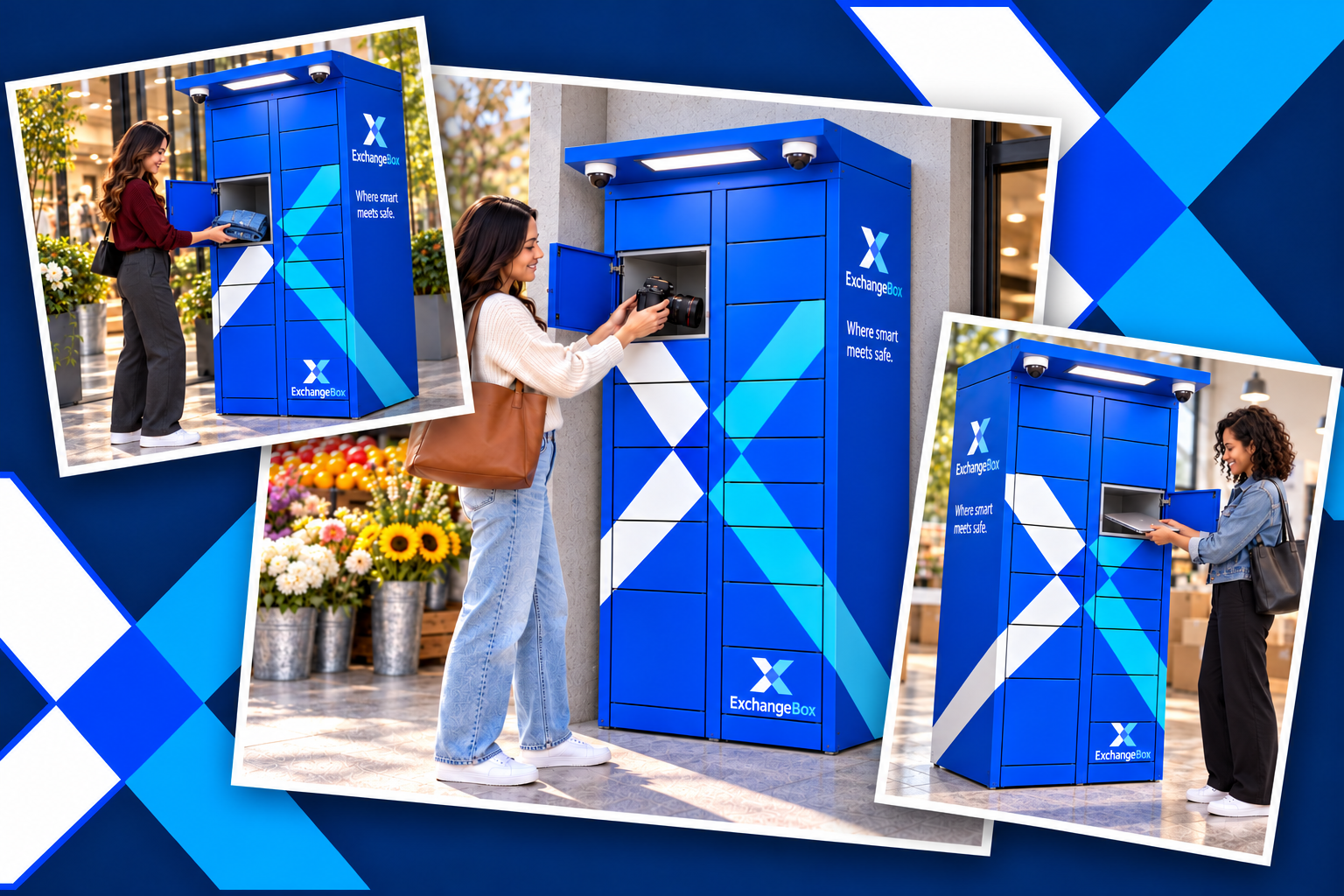
Attract additional visits
Connect with local buyers and sellers who come to your location to drop off or collect their items.
Keep staff involvement low
Customers manage drop-off and pickup through ExchangeBox's self-service process.
Explore placement options
Work with our team to identify a suitable location based on space, access, power, connectivity, and service needs.
Offer a useful community service
Help make local buying and selling more convenient with a secure alternative to in-person meetups.
Host Application
To make local peer-to-peer exchanges safer, smarter, and more convenient through secure technology-enabled exchange boxes that allow people to exchange items on their own schedules without meeting a stranger.
To build a trusted nationwide network of exchange boxes in convenient, everyday locations, creating safer connections, stronger communities, and greater confidence in local commerce, where safe meets smart™.
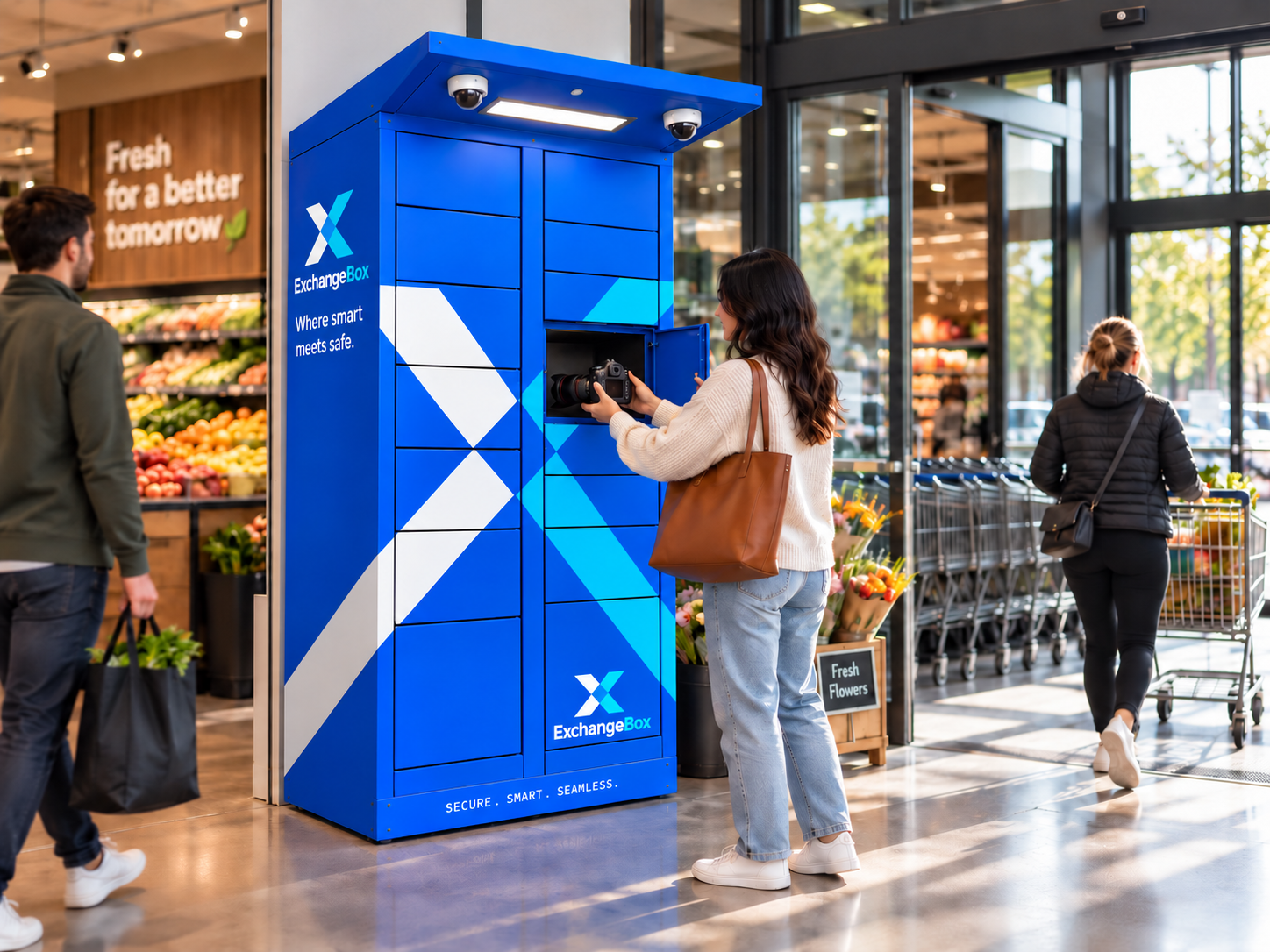
Frequently Asked Questions
Everything you need to know about secure drop-offs, pickup codes, and hosting an ExchangeBox locker.